Education • Apps
App Curso Prius
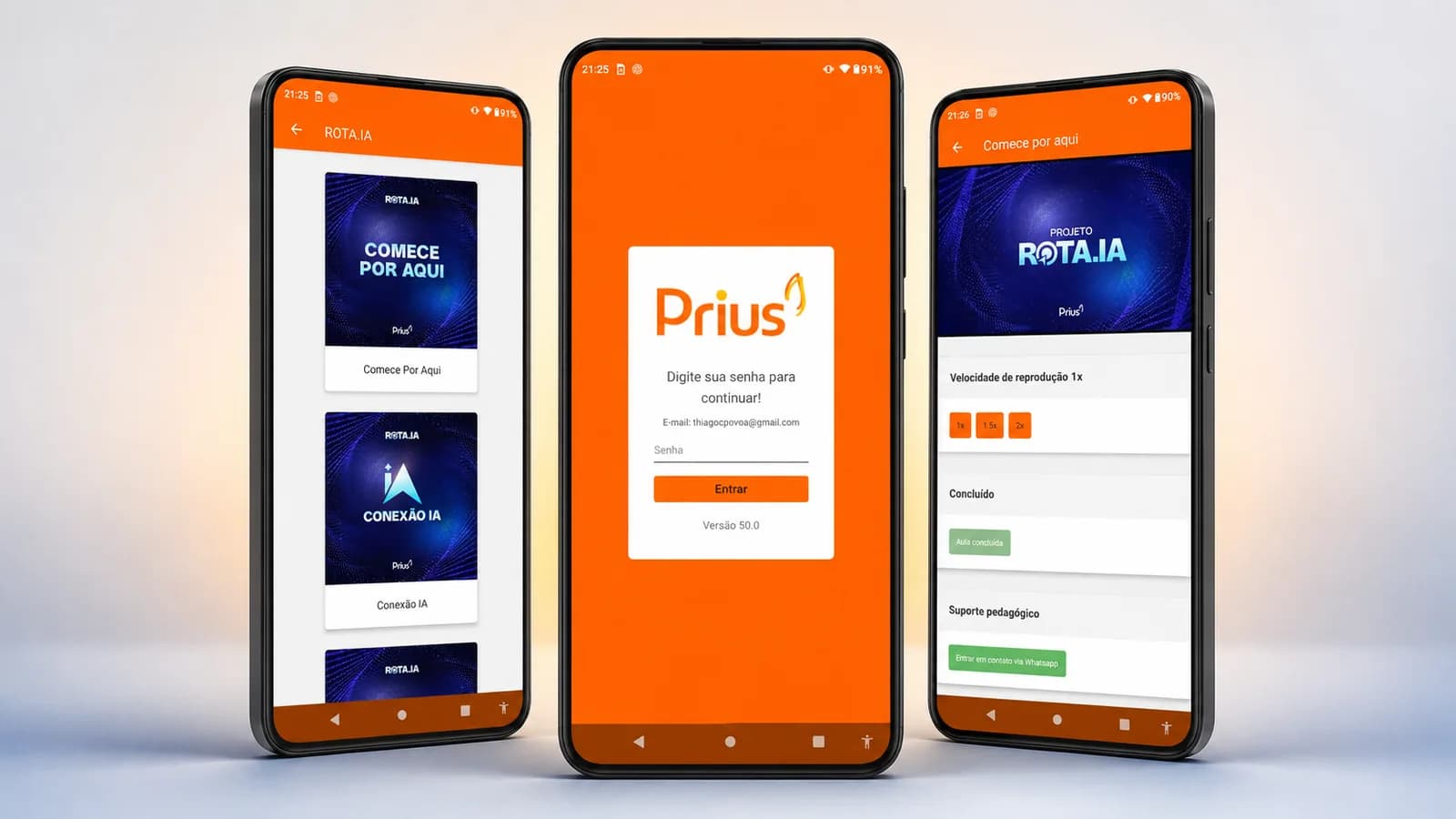
The Curso Prius app was created to bring the study environment to the phone, letting students reach their courses more easily and stay close to the content even away from a computer.
The Curso Prius learning experience on the phone, with access to courses, lessons, audio, materials, progress and offline content in an app available for iOS and Android.
Context
Curso Prius runs an education operation focused on preparing healthcare professionals for public-service exams and residency programs.
As the online programs grew, part of the student base started consuming lessons at different moments of the day and not always in front of a computer. The learning platform needed a companion experience built specifically for mobile devices.
The Curso Prius app was created to bring the study environment to the phone, letting students reach their courses more easily and stay close to the content even away from a computer.
The challenge
Turning an education platform into an app isn't just a matter of fitting its screens into a smaller space.
The project had to handle long lessons, video and audio playback, file downloads, varying connection conditions and content stored on the device itself.
It also had to integrate with the education structure Curso Prius already used, preserving course access, module organization, student progress and support features.
The solution
After signing in, students find the courses tied to their account and can browse the modules, lessons and materials available.
The interface was designed to cut steps out of studying. Students can pick a course, find the lesson they want and start the content right from the phone.
Beyond online playback, the app lets students download lessons to watch later, giving more flexibility to those who study on the move or deal with unstable connections.
Courses, modules and lessons
The app's organization follows the platform's academic structure.
Courses are presented individually and their content is broken down into modules and lessons.
Materials are grouped inside the course experience itself, so students don't have to hunt for files across different channels.
Video and audio playback
Media consumption was a major part of the project.
The app has video and audio players, letting students choose the format that suits each study session.
Offline access
Offline access widens the app's usefulness in situations where the student has no stable connection.
Lessons can be downloaded to the device and opened later. Users can also manage the stored files, removing content they no longer want to keep on the phone.
This feature required handling large file downloads, local storage and media playback from the device itself.
Progress tracking
The app lets students mark lessons as watched and follow how far along they are in the course.
A bar shows the percentage of completed lessons, giving a visual reference of the progress made.
That helps students see what they've already studied and find the next piece of content in their journey.
Cross-platform development
The app was developed with React Native, serving iOS and Android from a shared architecture.
That technology makes it easier to evolve both versions at once, cutting the need to maintain completely separate projects for each operating system.
Even with a shared codebase, the release process accounts for the particularities of each platform, including configuration, permissions, builds, certificates and the App Store and Google Play requirements.
Integration with the learning platform
The app consumes data from the Curso Prius education structure through APIs.
That integration retrieves the courses tied to each student, organizes modules and lessons, presents materials and records progress information.
The architecture keeps content centralized on the platform while the app works as a new access interface. Information doesn't have to be managed separately for web, iOS and Android.
What was delivered
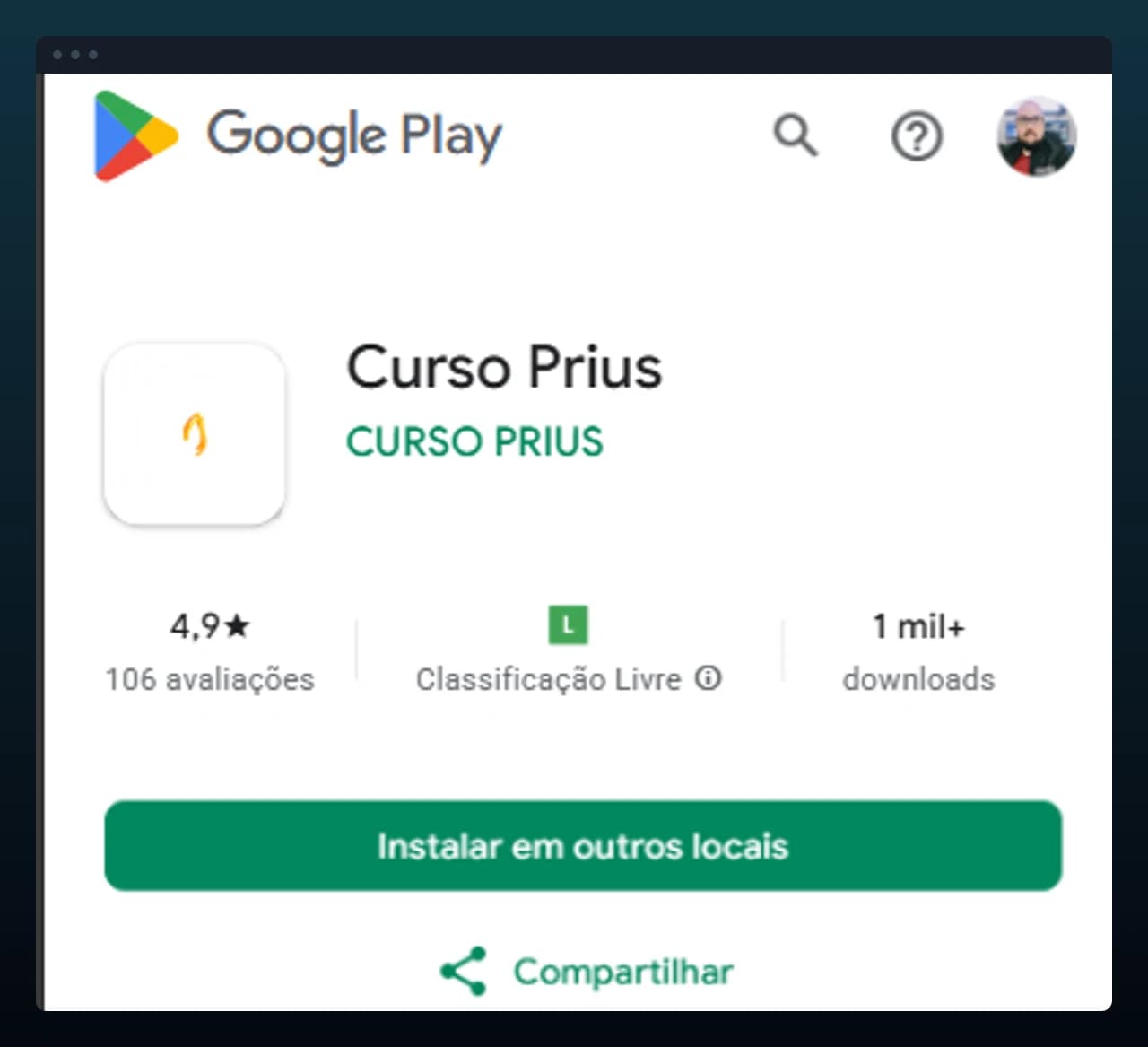
The app has over 1,000 downloads recorded on Google Play. On the App Store, it holds a public rating of 4.8 out of 5, with 68 ratings at the time of writing.
Technologies used
- React Native
- iOS and Android app
- API integrations
- User authentication
- Video playback
- Audio streaming
- Offline download and storage
- On-device file management
Keep reading
More case studies.
Next step
Want a project like this one?
Tell us what you need to build. We answer with a direction, not a generic quote.
No cost and no commitment.